A tool for the people writing the documents
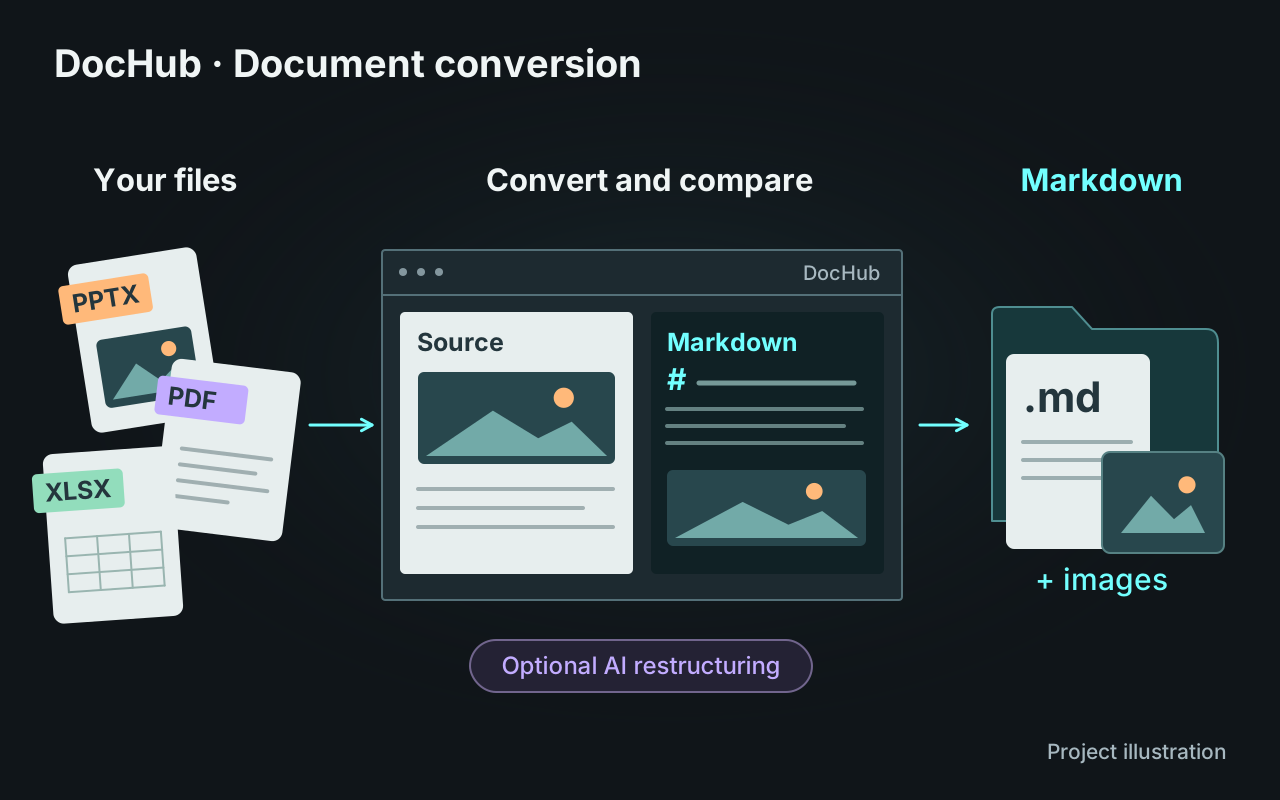
At GYS, the initial request was to migrate several documentation collections to GitLab. I proposed turning that task into conversion software for the colleagues who create the documents. They know which information is useful, what needs correcting and where it belongs. The application needed to preserve their existing Office workflow while helping them prepare shared documentation.
I built the journey around file submission, batch processing and previews. Results remain available in local storage, where users can review them, run restructuring and prepare publication. Conversion remains useful on its own, independently of the later steps.
Choosing how to process each document
I initially planned to use Marker for every format. My supervisor asked me to develop a native converter for comparison. Reading presentation objects directly preserves editable text; interpreting a rendered page solves a different problem, particularly for PDFs.
I kept both approaches. For PowerPoint, a complexity score guides the choice between extracting individual elements and capturing the complete slide. The study covered 981 slides: 74% fell below the full-slide capture threshold. This measures routing decisions, rather than conversion accuracy. I also added LibreOffice rendering for machines without PowerPoint, while retaining the native PowerPoint renderer where available.
Restructuring with an inspectable workflow
I designed a LangGraph workflow to turn slide fragments into continuous chapters. It describes images, builds an outline, writes sections with a rolling summary, then creates and checks diagrams. Diagram composition refers back to the relevant source slides so it can work from the original material.
Checks cover outline coverage, resources and output structure. The prompts require missing values and technical uncertainties to remain explicit. An inspector exposes steps, prompts, models, usage and intermediate outputs. Users still review the rewritten content, and the original conversion remains available alongside it. Archived workflows can be reopened without making another model call.
Letting engines and deployment evolve
I separated the Python engines from the Tauri desktop application, using Rust and React for the interface and its integration. The same workflow can use Marker locally, on an internal server or in a remote GPU environment. Restructuring can also use an internal model server through a compatible API.
These boundaries let the engines change without rebuilding the application around them. Files remain the reference for stored results, while histories and workflow archives make completed processing available for inspection.
Reviewing and publishing a version
The GitLab preparation view shows pages to add, edit, move or delete before publication. A local ledger connects the published commit to a fingerprint of both the Markdown and its images. Changing an image alone therefore identifies a new version of the document.
Publication is a separate module from the converters. GitLab is the current destination; other connectors can be added without rebuilding conversion or the review journey.
DocHub was delivered at GYS and became the subject of my final-year thesis. The company owns the code, which remains private.